Your Completely Free DIY Credit Repair Companion
Launch powerful credit tools right from your phone – no app store needed. Open in your browser and add to your home screen for an app-like experience.
What the Crediself Companion App Offers
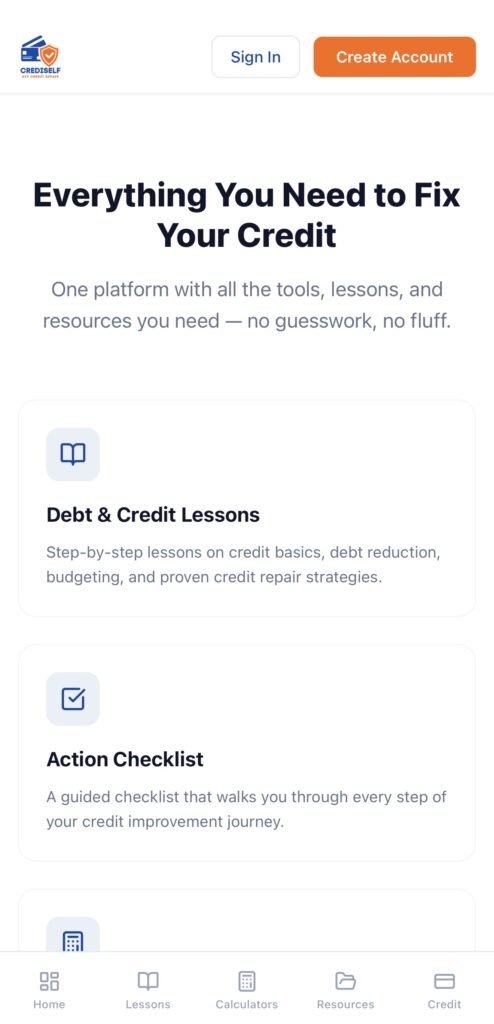
The Crediself web app is your always-available credit repair partner — helping you fix your credit score quickly and rebuild financial freedom.
Here’s what you get (100% free forever):
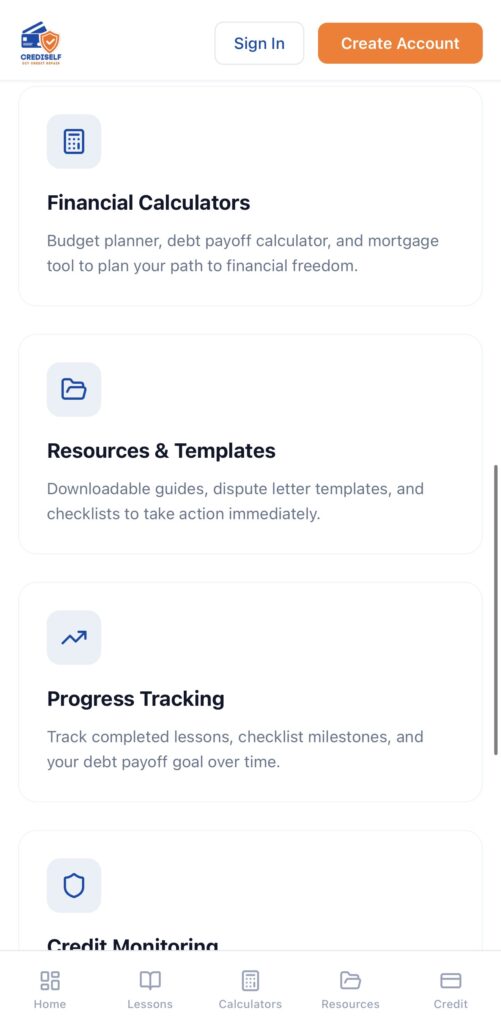
- Personalized Repair Plans — Step-by-step guides tailored to your credit situation
- Ready-to-Send Dispute Letters — Professional templates for Equifax, Experian, TransUnion — customize with one click
- Credit Score Tracker & Estimator — Monitor progress in real time and preview dispute impacts
- Daily Expert Tips & Resources — Quick lessons from credit pros to keep you moving forward
- Secure Dashboard — Safely store letters, notes, and timelines in one place
- Mobile-First Design — Perfect on any phone or tablet
Best part? It’s completely free. No subscriptions, no hidden fees, no credit card ever required. Sign up once and start today.
Install the App on Your Home Screen
Turn the Crediself web app into a real icon on your phone in under 30 seconds. No downloads, no extra storage.
iPhone — Safari (Recommended for Best Experience)
- Open Safari and go to https://crediself.base44.app
- Tap the Share button (square with upward arrow) at the bottom
- Scroll and tap Add to Home Screen
- Edit the name to “Crediself App” if desired
- Tap Add → Icon appears on your home screen — opens like a native app!
iPhone — Chrome
- Open Chrome and go to https://crediself.base44.app
- Tap the Share button (square with upward arrow) near the address bar (on the right)
- Scroll and tap Add to Home Screen
- Confirm or edit the name/website details
- Tap Add → Icon added to your home screen! (It may open in Chrome; for a full app feel, Safari is ideal, but this works great too.)
Android — Chrome
- Open Chrome and go to https://crediself.base44.app
- Tap the three dots menu in the top right
- Tap Add to home screen (or Install app if shown)
- Confirm the name and tap Add → Icon appears on your home screen — open anytime for instant access!
Pro tip: After adding, you can remove any browser bookmark. The home screen icon launches it directly. On iPhone, the Safari version often gives the smoothest “app” experience (no visible browser bars).